Why Set Up Expense Category Classifications for E-Invoices
Setting up expense category classifications for e-invoices ensures accurate tax reporting and compliance with regulatory requirements. Proper classification helps the system process e-invoice data correctly, making it easier to track expenses and generate accurate financial reports. This also reduces errors and improves efficiency in managing business expenses.
How to Set Up Expense Category classifications for e-invoices
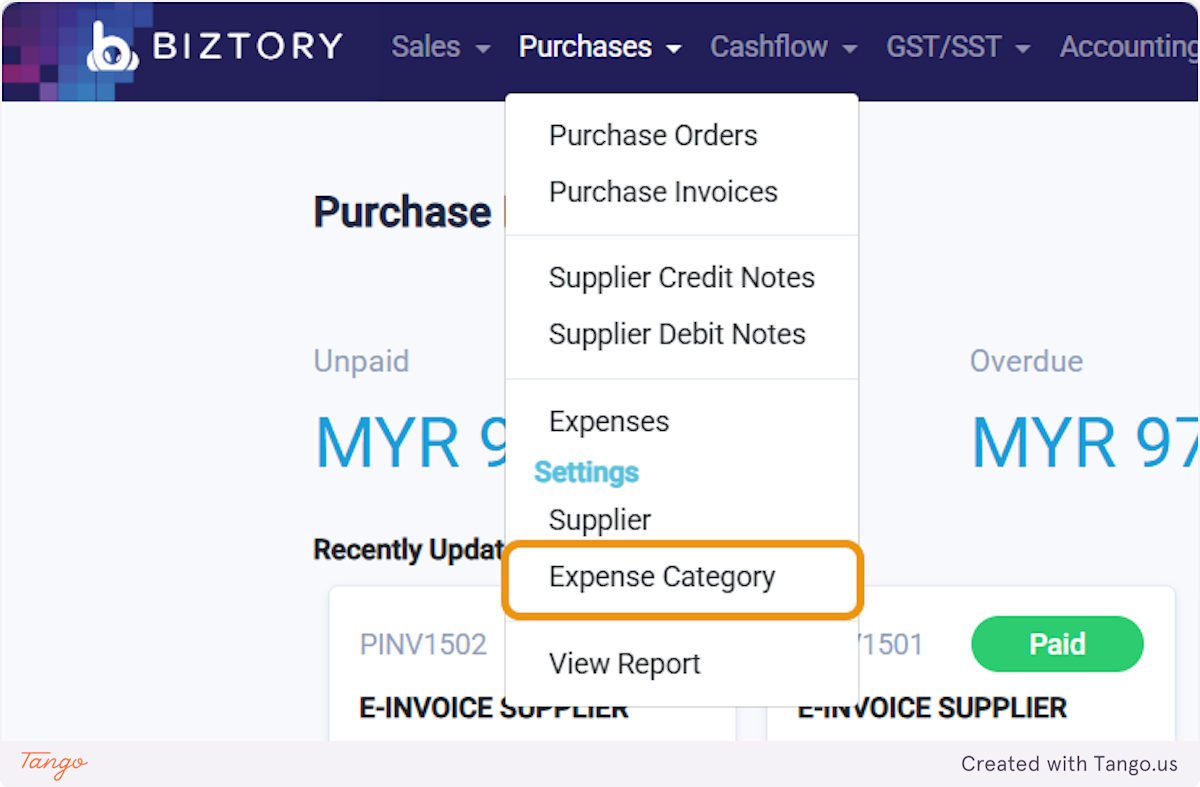
1. Click on Purchases and select Expense Category
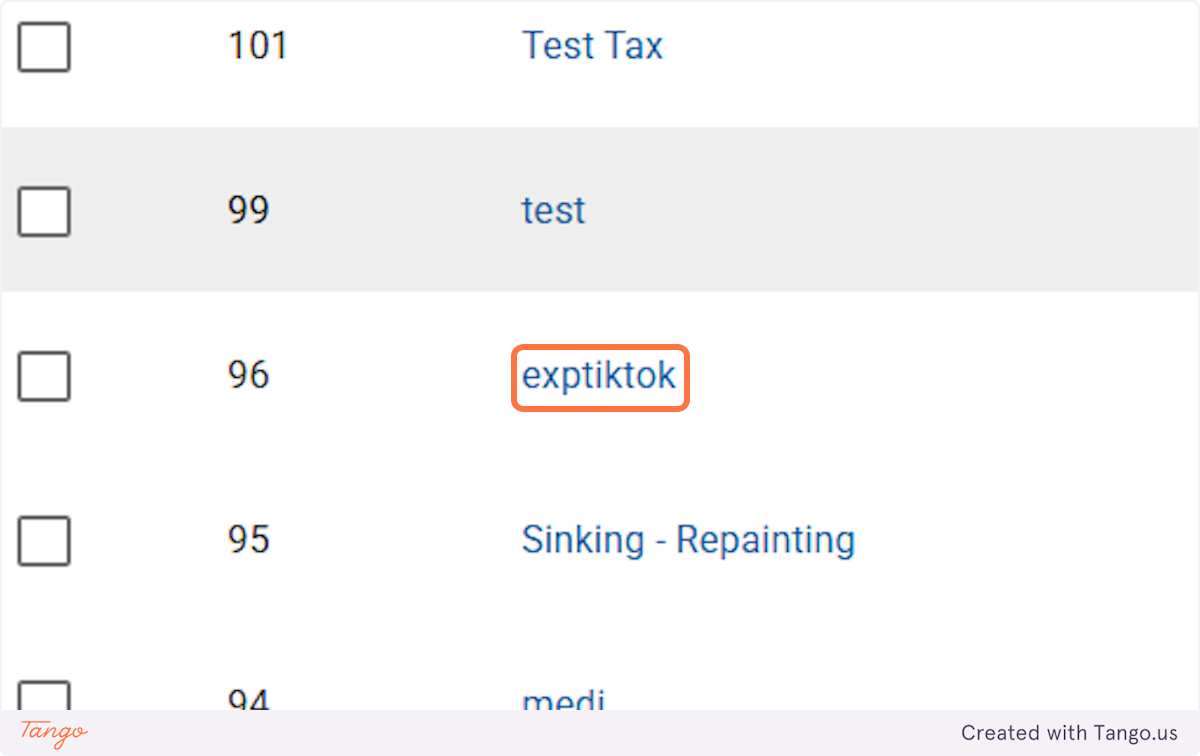
2. Click on an expense category
(If you don't know how to create an expense category, please refer to How to create an Expense Category)
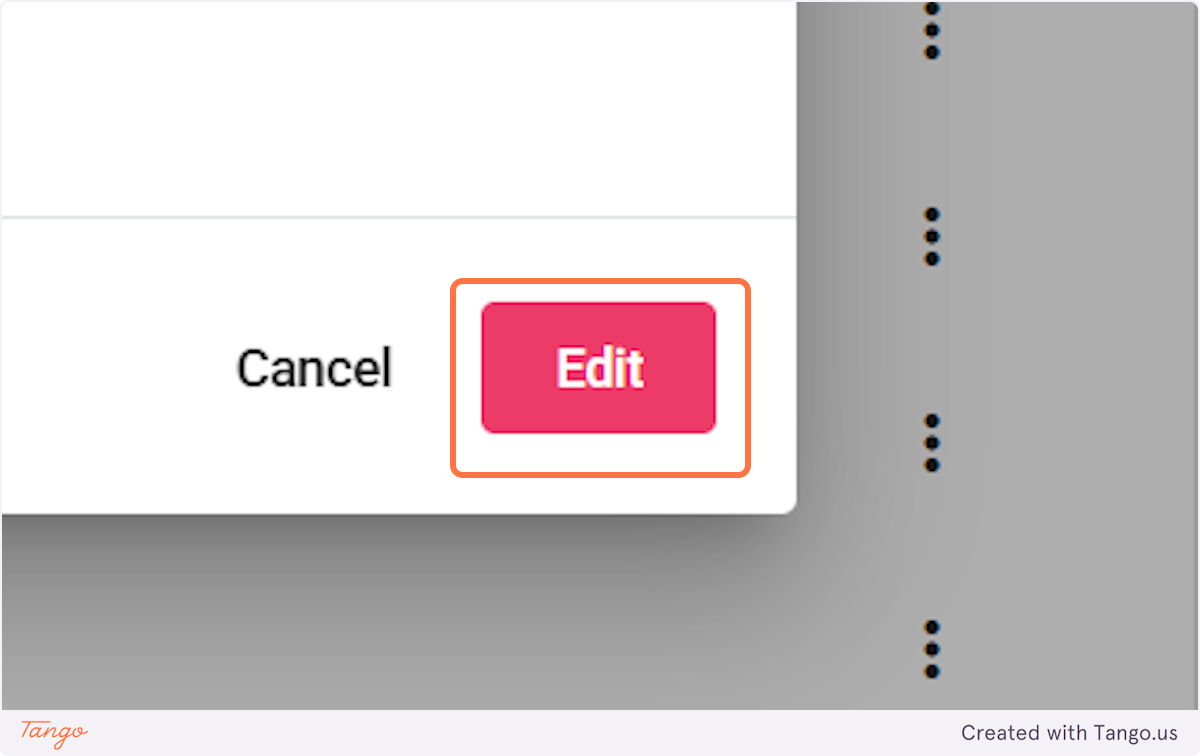
3. Click on Edit
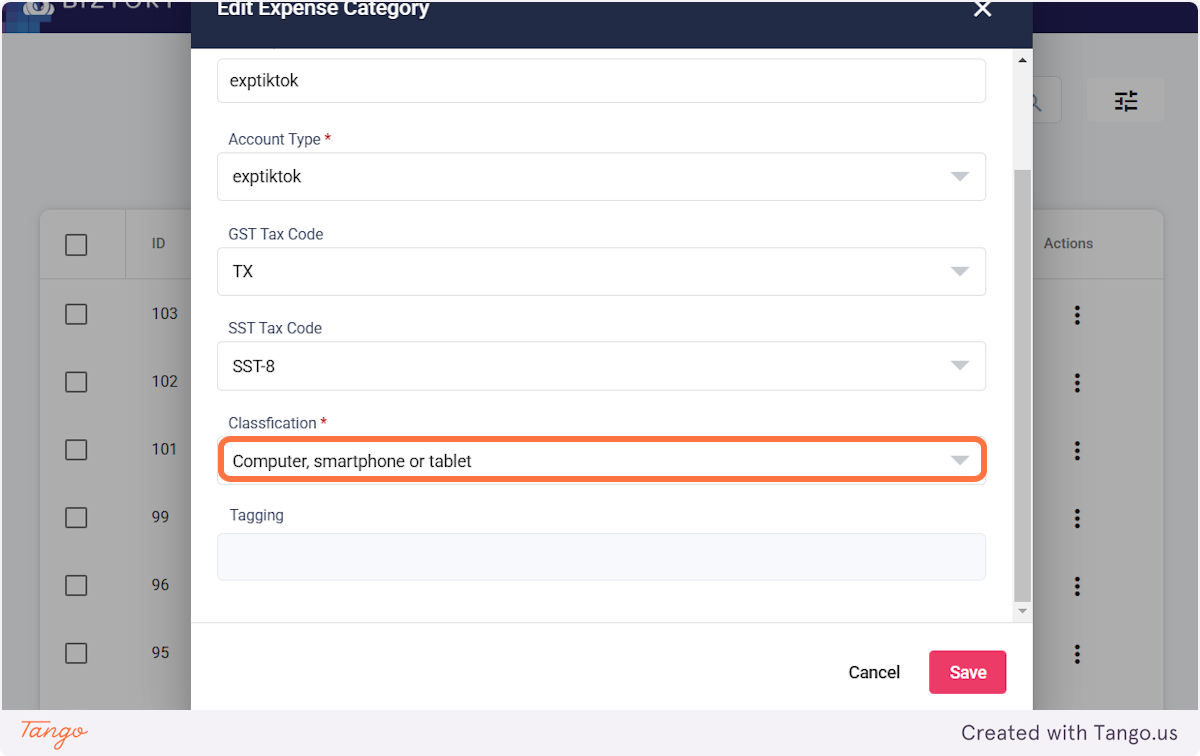
4. Select a classification
5. Click on Save
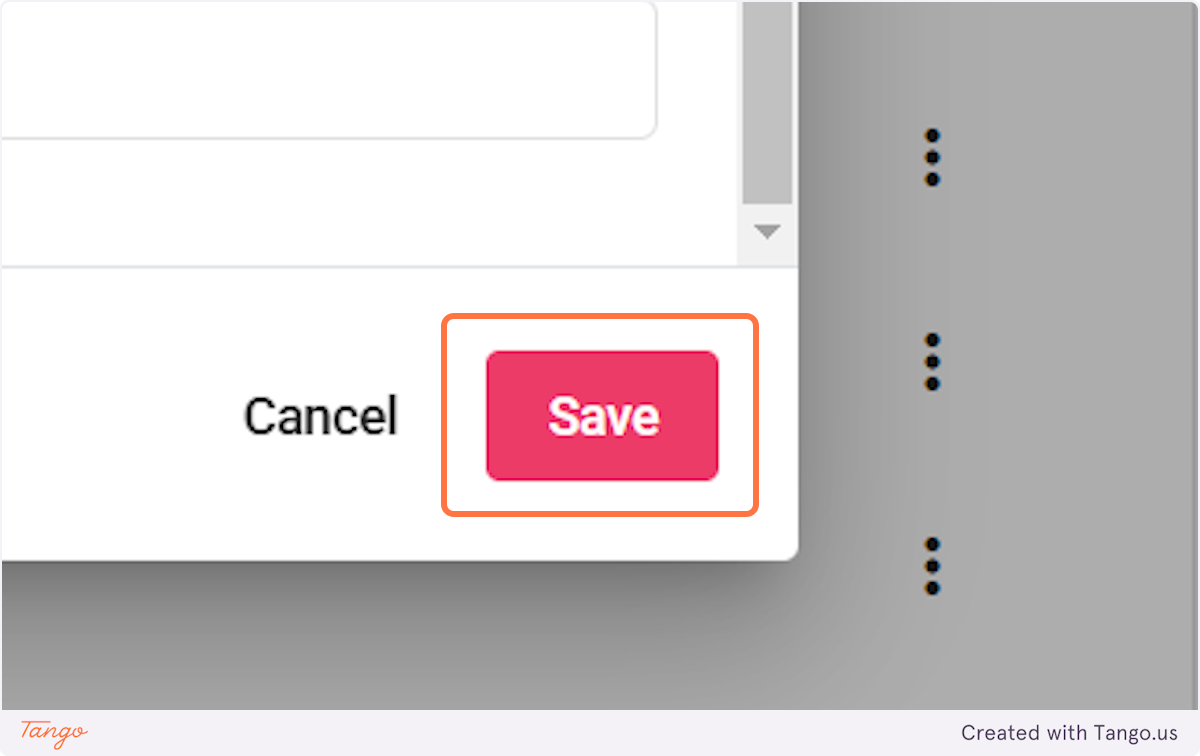
6. A green Notification will appear once the classification of category product is saved successfully.

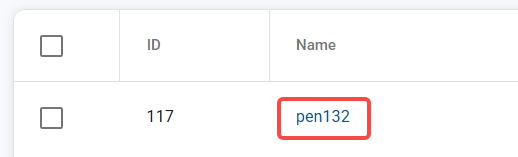
7. Click the category name again to reopen it.
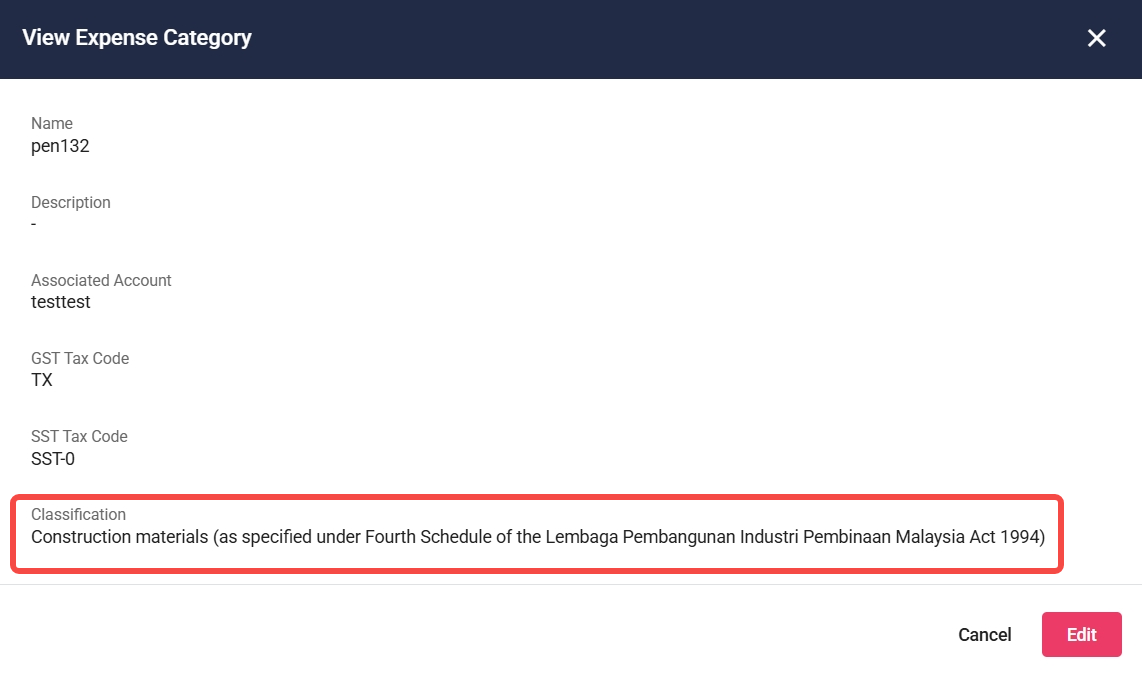
8. Check and confirm that the saved classifications are correctly updated.
Was this article helpful?
That’s Great!
Thank you for your feedback
Sorry! We couldn't be helpful
Thank you for your feedback
Feedback sent
We appreciate your effort and will try to fix the article