How to Delete an Expense
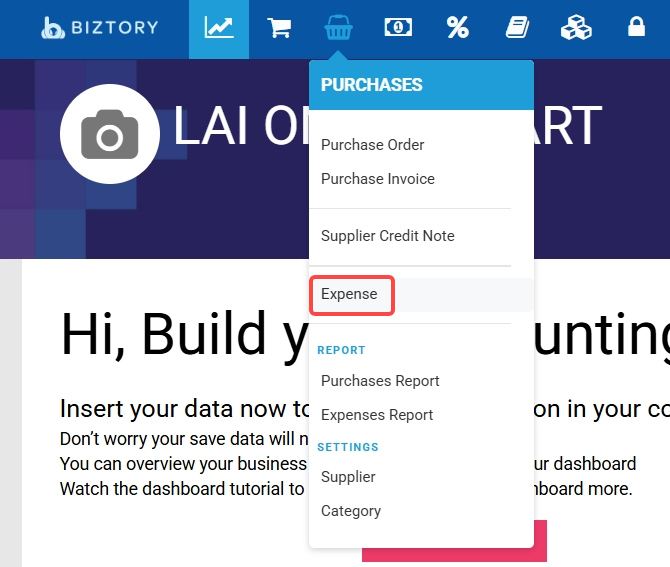
1. Go to Purchases > Expense.
2. Select the expense you want to delete and click Delete.

3. Click Confirm to proceed.
4. A green success notification will appear once the expense is deleted.


Was this article helpful?
That’s Great!
Thank you for your feedback
Sorry! We couldn't be helpful
Thank you for your feedback
Feedback sent
We appreciate your effort and will try to fix the article