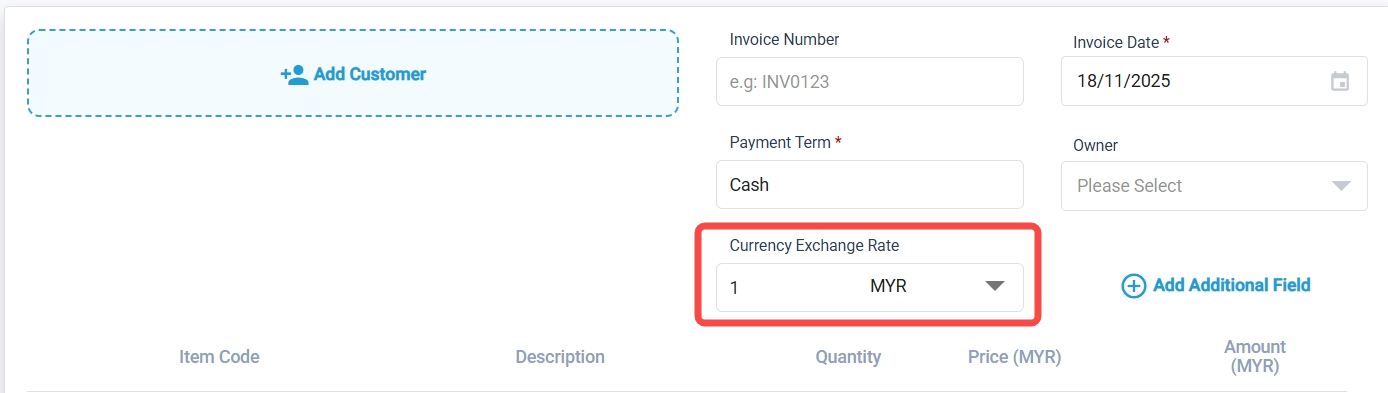
How to Create Sales Invoices in Foreign Currency (New Version)
To access the “Get Latest Rate” button:
Note: This feature is included in the Pro Plan. If the user is on the Pro Plan, the system will automatically provide the Get Latest Rate button, and they do not need to set it up themselves.
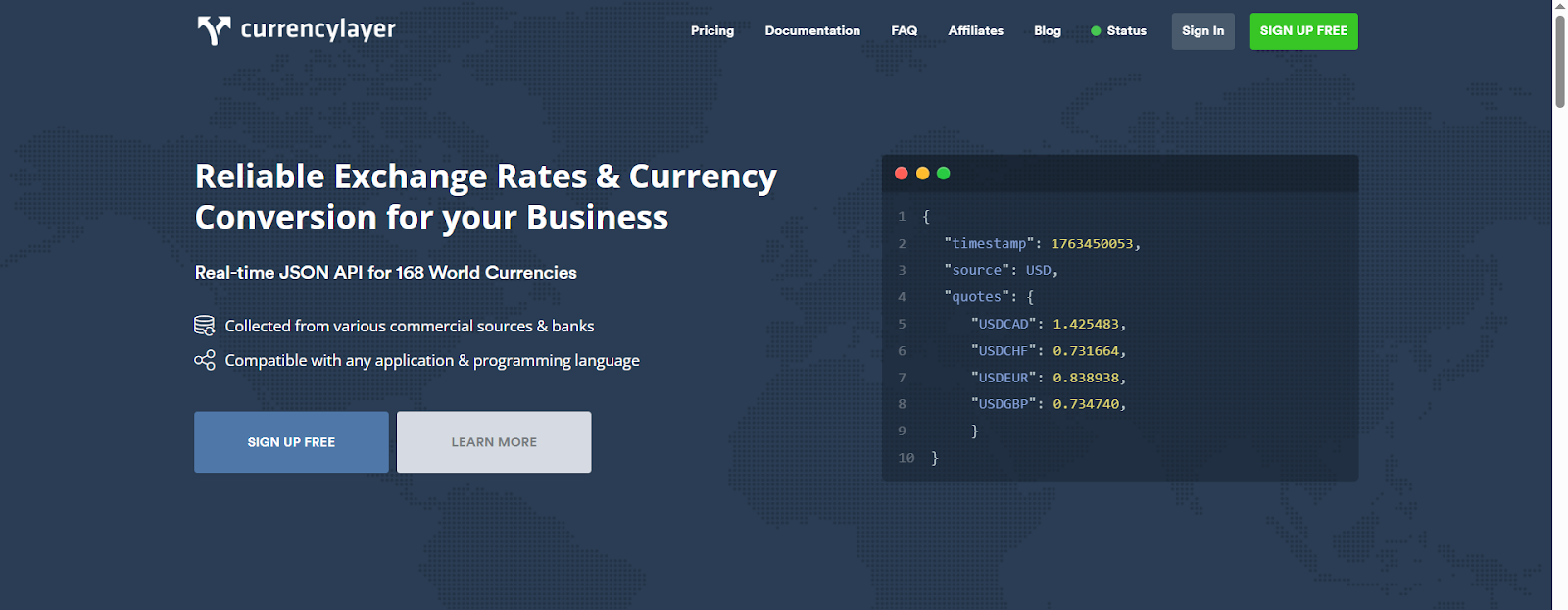
You will need to register at CurrencyLayer.
https://currencylayer.com/
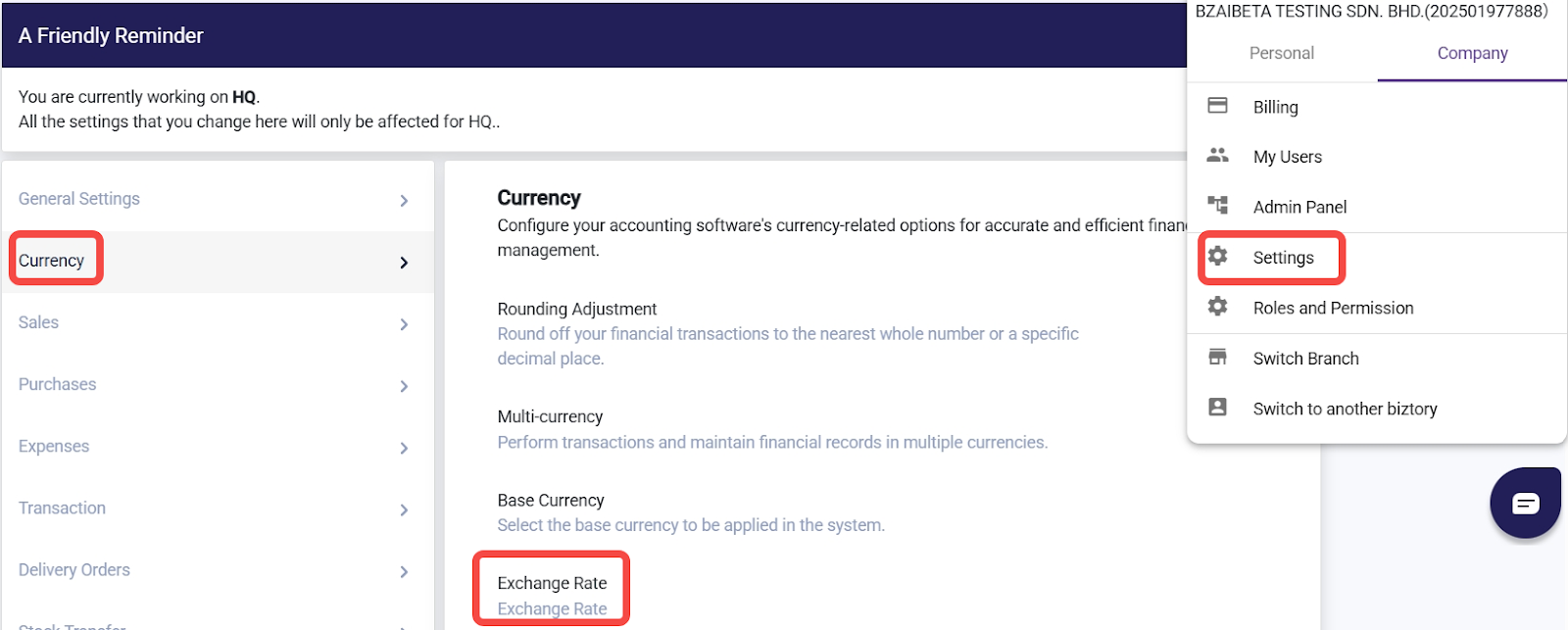
Go to Settings > Currency > Exchange Rate.
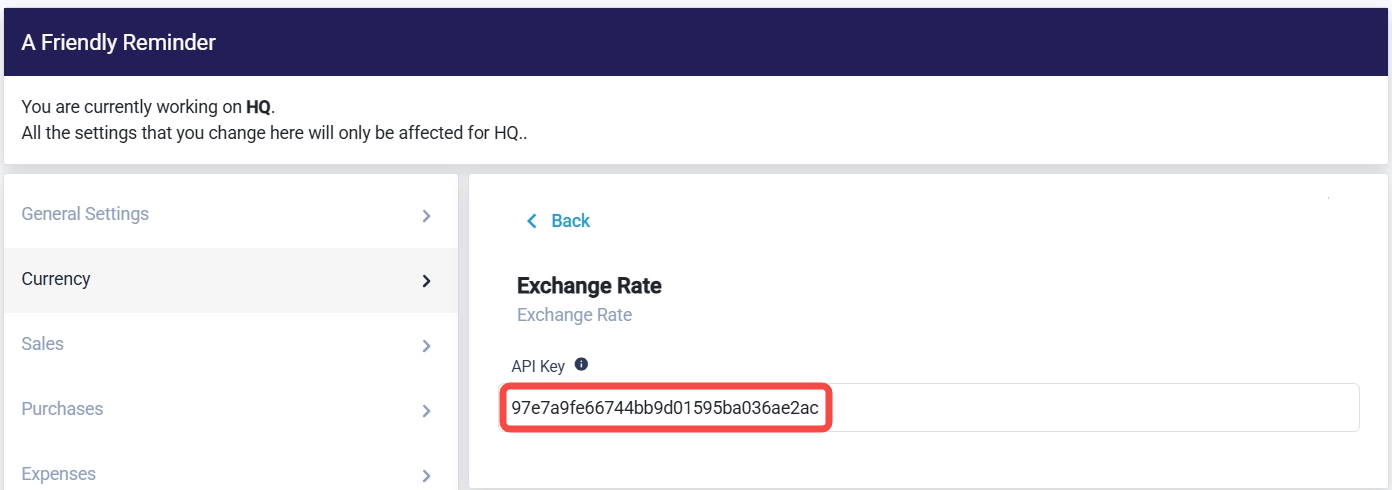
Obtain the API key from CurrencyLayer and insert it into your system settings.
After that, the Get Latest Rate button will be available.
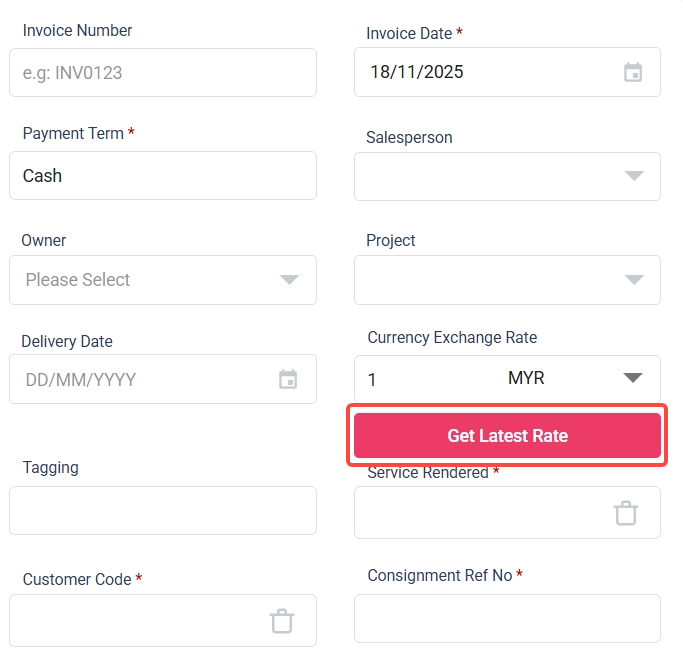
If you do not use an API key, you can manually enter the exchange rate in the sales invoice.
Related Guides on Foreign Currency
- To add a payment using foreign currency for a sales invoice, please refer to: How to add payment for Sale Invoices when using foreign currencies
- To view currency gain/loss, please refer to: How to View Currency Gain/Loss
Was this article helpful?
That’s Great!
Thank you for your feedback
Sorry! We couldn't be helpful
Thank you for your feedback
Feedback sent
We appreciate your effort and will try to fix the article